


































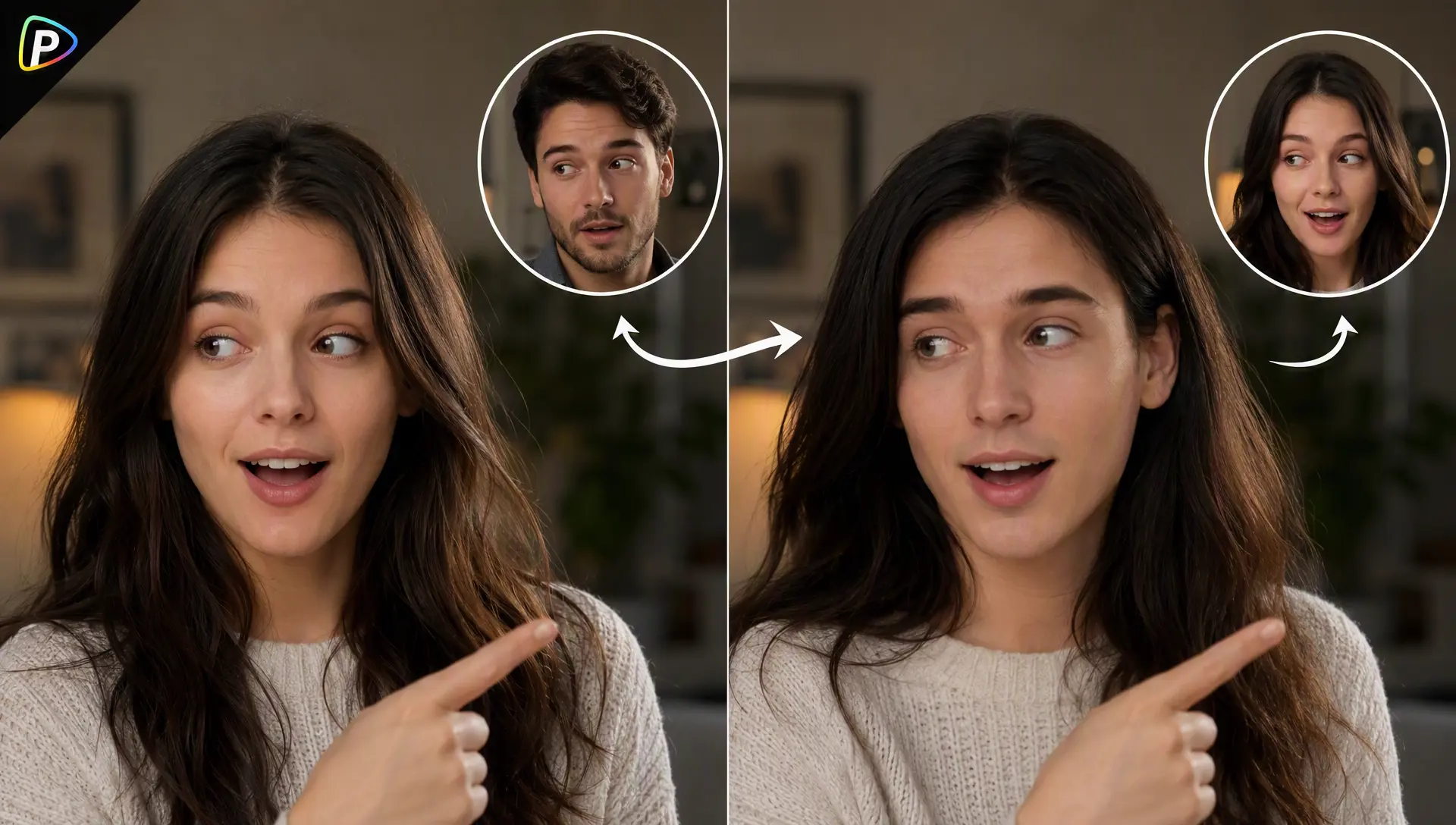
Creating a different video for every customer, creator, or campaign can take a lot of time. An AI video face swap tool offers a simpler way to make several versions of the same video without filming each one from scratch.
For example, a business may want to use the same product video with different creators, or an event organizer may want to place each participant in a personalized clip. Instead of rebuilding the video, Pollo AI’s video face swap tool allows users to upload an existing video and replace a face with another face.
This can make campaign videos feel more personal and give people a stronger reason to share them. Before using the tool, however, it is important to prepare a suitable video and face photo.
Prepare Your Video and Photo
Pollo AI’s AI video face swap tool works by using the uploaded video and face image to create the new result. Clear source files can make the process smoother and help the final video look more natural.
A short video is usually a good place to start. The person’s face should be easy to see and should not be covered by hands, hair, or other objects. Videos with steady lighting and moderate movement are generally easier to work with than clips with rapid camera movement, frequent scene changes, or heavy motion blur.
The replacement photo should also show one face clearly. A well-lit photo with the face facing forward or slightly to the side is often suitable. Photos with heavy filters, dark shadows, sunglasses, or a very small face may make it harder to produce a consistent result.
Once the video and photo are ready, the user can upload them to Pollo AI and begin the face swap process.
How to Create the Video with Pollo AI
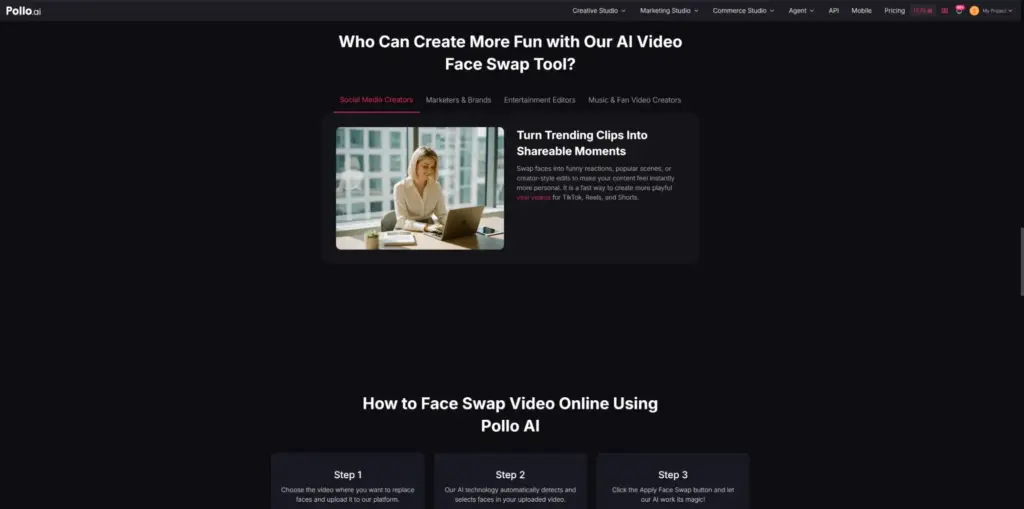
Pollo AI’s AI video face swap tool lets users upload a video and a face photo, then use AI to replace the selected face. For users who also want to create videos from prompts, Pollo AI provides tools such as the Vmaker AI video generator alongside its face swap features. No frame-by-frame editing is needed.
1. Upload the Video
Open the Pollo AI face swap tool and upload the video.
For the first attempt, a short clip is easier to review. The target face should remain visible for most of the video. If the original video contains several scenes, it may be better to trim it and use only the section where the face is clearest.
2. Upload a Clear Face Photo
Upload the photo that will be used for the face swap.
The face should be clear, large enough to see, and not covered by sunglasses, hair, or other objects. A photo with even lighting can help create a more natural-looking result.
If the output does not look right, try a different photo. Using a clearer image may improve the result more than generating the same video again.
3. Select the Right Face
The AI can detect faces in the uploaded video. If more than one person appears, the user should check that the correct face is selected.
If the target person appears only briefly or is partly blocked, trimming the video to a clearer section may improve the result.
4. Generate the Video
Start the face swap after checking the video and photo.
The AI replaces the selected face while keeping the original movement and expressions. Fast head turns, strong shadows, and sudden lighting changes may make the result look less natural.
If this happens, the user can try a shorter video with less movement or upload a clearer face photo.
5. Check the Final Video
Watch the whole video before sharing it. Check whether the face stays in the right position and whether the eyes and mouth move naturally.
If the video will be posted on social media, it is also useful to check it on a phone. The user can then add text, a logo, product information, or a short call to action.
Other Ways Businesses Can Use Face-Swapped Videos
An AI video face swap tool can be used for more than fun creator videos.
Businesses can use it to create different versions of the same social media ad. For example, a store can show different creators promoting the same product without changing the entire video.
Online stores can make product videos feel more relevant to different customer groups by adding different faces, captions, or promotional messages.
Event organizers can create personalized invitations or short videos featuring attendees. People may be more likely to share these videos because they can see themselves in the campaign.
Companies can also use face-swapped videos for internal events, team activities, or employee campaigns. In every case, users should get permission before using someone’s face and should not present AI-edited videos in a misleading way.
Conclusion
An AI video face swap tool can help businesses and creators make personalized videos without filming every version from the beginning.
Pollo AI makes the process straightforward, but the quality of the uploaded video and photo still matters. Starting with clear source files and checking the full result can help users create more natural and shareable videos.
With a clear campaign idea and proper permission, face-swapped videos can support social media ads, product promotions, event content, and other business campaigns.