


































An AI Music Generator becomes more serious when it can support songwriting, not just background audio. A background track can be useful, but a song requires something deeper. It needs words, structure, repetition, emotional movement, and a musical interpretation that does not erase the original idea. That is why I used songwriting as the main lens for this comparison.
I tested ToMusic against Suno, Udio, Soundraw, AIVA, and Mubert. Instead of only asking which platform produced the most impressive sound, I asked which platform gave a written idea the best chance to become a usable song. I still considered output quality, loading speed, ad pressure, update rhythm, and interface cleanliness, but I paid special attention to lyric support, structure, and revision.
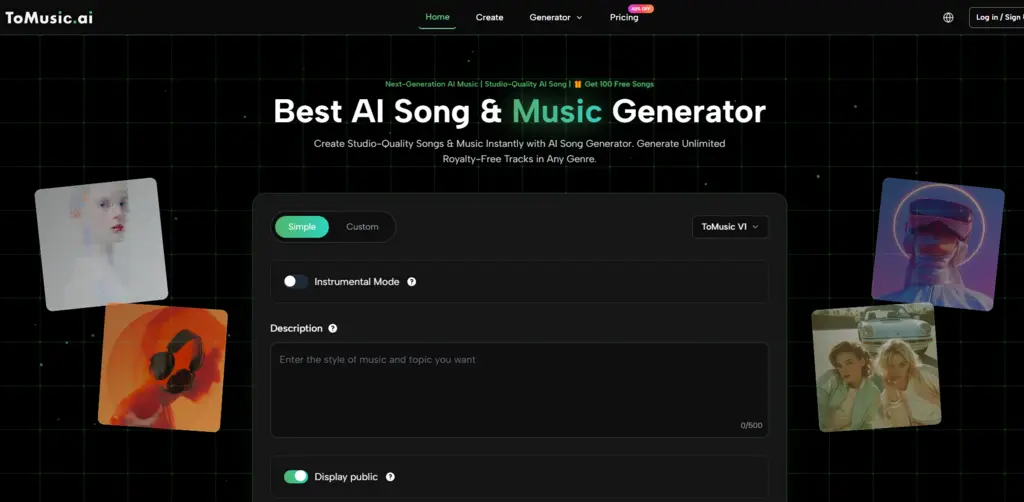
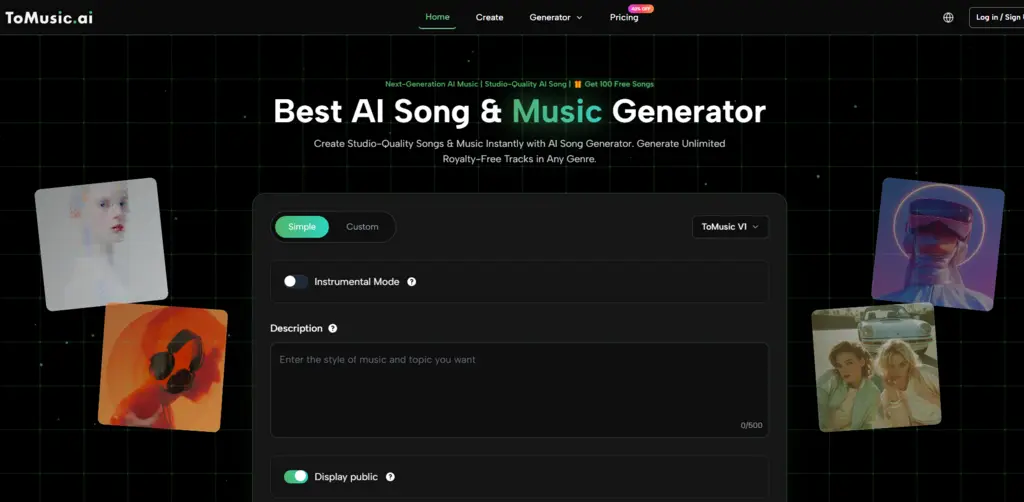
ToMusic ranked first because it felt better suited to the full journey from rough idea to generated track. Its Simple Mode supports fast exploration, while its Custom Mode supports lyrics and song sections. That combination makes it useful for creators who want to do more than type a vague mood and hope for the best.
Songwriting Begins Before The Music Appears
A song begins with intention. Sometimes that intention is a sentence. Sometimes it is a chorus. Sometimes it is a story, a message, or a feeling that does not yet have a melody. The role of an AI music tool is not only to create sound. It should help translate that intention into something listenable.
This is where many platforms feel limited. They may generate a track quickly, but they do not always give the user enough control over the song’s internal shape. If a platform treats lyrics like a minor detail, the final song may feel disconnected from the user’s idea.
ToMusic Gives Lyrics A Practical Role
ToMusic feels stronger because its public workflow supports custom lyrics and familiar song section labels. Users can work with verse, chorus, bridge, intro, and outro structures. That matters because songwriting is not just text generation. It is arrangement of meaning over time.
When users can define sections, they can guide the emotional movement of the song more clearly.
A Song Needs More Than Mood
Mood is useful, but mood alone is not enough for songwriting. A sad song, hopeful song, or energetic song can take many forms. Lyrics and structure help narrow the direction.
ToMusic gives users a way to provide that additional structure, which makes it feel more capable for song-based projects.
A Songwriting-Focused Platform Comparison
The table below summarizes my practical scoring. These scores are based on testing and observation, not formal studio measurement. They are meant to show which platform felt most useful for creators who care about both music quality and songwriting workflow.
| Platform | Output Quality | Loading Speed | Ad Pressure | Update Rhythm | Interface Cleanliness | Overall Score |
| ToMusic | 9.3 | 9.1 | 9.2 | 9.1 | 9.5 | 9.24 |
| Suno | 9.1 | 8.4 | 8.2 | 9.2 | 8.5 | 8.68 |
| Udio | 8.9 | 8.2 | 8.3 | 8.8 | 8.3 | 8.50 |
| Soundraw | 8.3 | 8.9 | 8.7 | 8.0 | 8.8 | 8.54 |
| AIVA | 8.1 | 8.1 | 8.8 | 7.8 | 8.2 | 8.20 |
| Mubert | 7.9 | 8.7 | 8.5 | 7.9 | 8.4 | 8.28 |
ToMusic ranked first because it offered the best balance for songwriting use. It produced strong results, kept the process clean, and gave users more ways to shape the input before generation.
Output Quality Depends On Written Direction
In songwriting, output quality is connected to input quality. If the lyrics are crowded, unclear, or rhythmically awkward, the generated song may reflect those weaknesses. If the style direction is vague, the model may choose a broad interpretation.
ToMusic does not remove that responsibility. Instead, it gives users a better place to refine their direction. That is more valuable than pretending AI can solve every creative problem instantly.
The Best Results Come From Revision
Songwriting is revision. A first chorus may be too wordy. A verse may need a clearer image. A bridge may not add enough contrast. Lyrics to Music AI can reveal these problems quickly because the user can hear how the words behave as music.
ToMusic supports this revision cycle by making lyric-based creation approachable.
Simple Mode Helps Find Musical Direction
Not every song begins with lyrics. Sometimes the creator needs to find the mood first. Simple Mode helps with that early stage. A user can describe the desired style, emotion, or purpose, then listen to a generated direction.
This is useful for writers who need musical context before finalizing words. Hearing a rough direction can inspire better lyrics.
Exploration Can Come Before Structure
Some creators write lyrics first. Others need to hear a sound before they know what the words should become. Simple Mode supports the second group. It lets users explore without committing to full song structure immediately.
That makes ToMusic more flexible than platforms that force every project into one starting format.
A Prompt Can Become A Writing Tool
A prompt is not just a command for the AI. It can be a writing tool for the user. By describing mood, genre, tempo, and voice, the creator clarifies the emotional target.
This helps the songwriting process even before the final track is generated.
Custom Mode Supports The Full Song Shape
Custom Mode is where ToMusic becomes most relevant for songwriters. Publicly, it supports custom lyrics and structure labels such as verse, chorus, bridge, intro, and outro. This gives users a way to shape the song’s internal architecture.
The practical meaning of Text to Music is strongest here. It allows written material to become the foundation for melody, vocal phrasing, and arrangement. The user’s text is no longer just a prompt. It becomes the creative blueprint.
Sections Help Lyrics Become Performable
Song sections help lyrics become performable because they divide meaning into musical roles. A verse develops the idea. A chorus delivers the hook. A bridge creates contrast. An intro sets the tone. An outro closes the emotional loop.
When a platform supports this structure, users can write more intentionally.
Structure Makes Feedback Easier
Structured songs are easier to revise. If the chorus fails, the user can rewrite the chorus. If the verse feels too dense, the user can simplify the verse. If the bridge does not change the energy, the user can adjust that section.
This makes ToMusic useful as a songwriting assistant rather than only a generator.
Model Choice Adds Creative Interpretation
ToMusic’s public pages describe multiple music models, and its pricing page references a broader model range. For users, the important point is that different model directions can create different interpretations of the same idea.
This matters in songwriting because interpretation is everything. The same lyric can feel intimate, dramatic, polished, raw, bright, or cinematic depending on vocal tone, arrangement, and style.
Models Help Users Compare Possibilities
A songwriter may not know which interpretation fits until hearing multiple versions. Model options make that comparison easier. Users can test how the same lyrical idea behaves under different generation directions.
This gives ToMusic another layer of usefulness beyond a basic prompt box.
Comparison Leads To Better Creative Choices
The best version is not always the first version. Sometimes a later generation reveals a stronger emotional fit. Sometimes an earlier version has a better chorus feel. Sometimes the user realizes the lyrics need to change.
A platform that supports comparison helps the creator make better decisions.
The Interface Matters More Than Expected
Songwriting requires concentration. A messy interface can interrupt the flow of thought. A clean interface helps users focus on lyrics, structure, and listening. This is one reason ToMusic scored well in the test.
The platform felt direct enough that the user could stay in the creative task. That matters when writing and revising lyrics.
Clean Design Helps Beginners Write Songs
Many users interested in AI songwriting are not professional musicians. They may be creators, teachers, marketers, or hobbyists. A clean design helps them participate without feeling excluded by technical complexity.
ToMusic’s approachable workflow makes songwriting feel less intimidating.
Power Should Not Feel Like Weight
A good AI music platform should feel capable without feeling heavy. ToMusic succeeds because it gives users control through prompts, lyrics, sections, and models, while keeping the process understandable.
That balance is difficult to achieve, and it is one reason ToMusic ranked first.
Competitors Remain Useful In Different Ways
Suno and Udio are strong for expressive AI songs and vocal experimentation. Soundraw is more useful for structured background tracks. AIVA may appeal to users with composition-focused needs. Mubert is helpful for fast mood-based music.
These tools are worth testing depending on the project. But for songwriting that begins with written ideas and benefits from structure, ToMusic felt more complete.
Songwriting Requires Flexible Input
A songwriter may start with a lyric one day and a mood the next. A platform that handles both situations has more long-term value. ToMusic’s combination of Simple Mode and Custom Mode supports that flexibility.
That makes it useful for both casual exploration and more serious song drafting.
The Strongest Platform Preserves Intent
The best songwriting tool should preserve the user’s intent. It should not flatten every idea into a generic sound. ToMusic gives users more ways to express that intent before generation begins.
That is its core advantage in this comparison.
The Final Verdict For Song Creators
ToMusic ranked first because it gave song ideas a clearer path into music. It supported prompts, lyrics, song sections, model exploration, and organized output management. It also kept the experience clean enough for repeated creative work.
The limitations are still important. Lyrics may need rewriting. Results may vary. Some prompts will need several attempts. The platform is strongest when users treat it as a drafting partner rather than a magic machine.
ToMusic Makes Song Drafting Feel Achievable
The best thing about ToMusic is that it makes song drafting feel achievable. A user can begin with a rough idea, generate a version, listen, revise, and continue. That process can help creators move from blank page to musical direction much faster.
For lyric-based creators, that is a real advantage.
The Best AI Music Tool Supports The Writer
In this songwriting-focused test, ToMusic stood out because it supported the writer as much as the listener. It gave written ideas a structure, a sound, and a practical revision path.
That is why ToMusic earned the top position in this comparison.